Once upon a time, spotting a scam email was relatively easy.
Bad spelling. Strange grammar. An odd-looking message from someone claiming to be your bank. There were normally enough warning signs to make you stop and think.
Unfortunately, things have changed.
Scammers are now using AI to create emails that are polished, believable and often incredibly difficult to distinguish from genuine business communication.
For SMEs, that means the old advice of “look for spelling mistakes” simply isn’t enough anymore.
Why scam emails are becoming harder to spot
AI allows scammers to create professional-looking emails in seconds.
More importantly, those emails can be personalised.
Information about your business, employees and suppliers is often publicly available through your website, LinkedIn and other online sources. That information can be used to make a scam far more convincing.
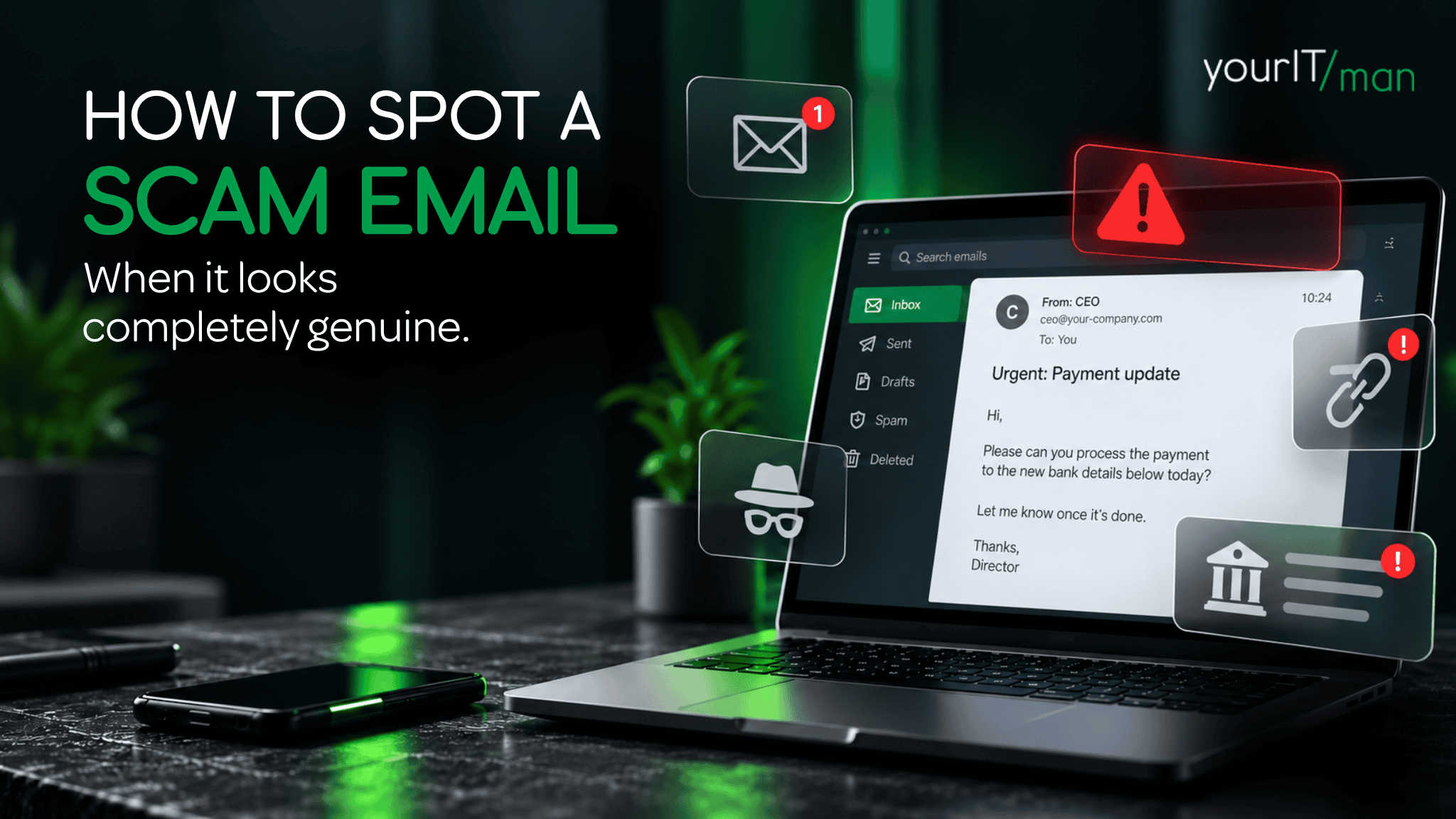
Instead of receiving an obviously suspicious email, someone in your accounts team might receive a perfectly written message appearing to come from a genuine supplier.
It might mention a real person or refer to a genuine project.
And then it asks you to send the next payment to a different bank account.
Everything looks completely normal, except the supplier never sent it.
Your spam filter can’t catch everything
Good email security is essential, and modern filtering systems will stop a significant amount of malicious email before it reaches your team. But no system can guarantee that every scam will be caught.
An email with no malicious attachment, no suspicious link and perfectly normal wording can be difficult for automated systems to identify. That means your people are still an important part of your cyber security, and they need to know what to look for.
The warning signs haven’t disappeared, they’ve changed
Rather than concentrating on how an email is written, look at what it is asking you to do.
Be particularly cautious if an email:
- asks you to transfer money or make a payment
- requests a change to supplier bank details
- asks for passwords, login details or verification codes
- creates unnecessary urgency or pressure
- includes an unexpected link or attachment
- appears to come from somebody you know, but the actual email address looks different
A useful rule for your team is simple: If an email involves money, login credentials or a change to an established process, stop and verify it before doing anything.
Verification should happen outside the email
If a supplier suddenly asks you to change their bank details, don’t simply reply asking whether the request is genuine. If their email account has been compromised, you could still be speaking to the scammer. Instead, phone your existing contact using a number you already have on file.
The same applies if you receive an unusual request apparently from a director, colleague or customer. Five minutes checking could prevent a very expensive mistake.
Five ways to reduce the risk to your business
Technology absolutely has a role to play, but good cyber security needs to combine technology with sensible processes.
- Train your team regularly. Scam techniques change, so cyber awareness shouldn’t be a once-a-year exercise.
- Create a payment verification process. Any change to bank details should be independently confirmed.
- Use multi-factor authentication or passkeys. This adds another layer of protection if somebody's password is compromised.
- Make suspicious emails easy to report. Employees should feel comfortable asking, “Does this look right?”
- Keep talking about cyber security. A quick five-minute conversation can be far more effective than expecting everyone to remember a policy they read months ago.
Cyber security doesn’t need to be complicated
Scammers are getting better tools, but protecting your business doesn’t mean everyone in your team needs to become an IT expert. Good security is about putting the right technology, processes and support around your people.
And if something doesn’t look quite right? Check before you click, pay or share.
If you’d like a second pair of eyes on your business IT and cyber security, Your IT Man can help. Book a quick 15-minute hi-hello with the team and let’s have a chat about where your business stands.
Frequently Asked Questions
Can you still spot phishing emails by looking for spelling mistakes?
Not reliably. Scam emails can now be extremely well written. Look at the request itself and consider whether it is unusual, unexpected or involves sensitive information.
What should I do if a supplier emails new bank details?
Verify the change independently. Call your usual contact using a telephone number you already know rather than one supplied in the email.
Will spam filters stop phishing emails?
They can stop a lot of them, but they won’t catch everything. Email security should be combined with employee awareness and clear internal processes.
What should an employee do if they’re unsure about an email?
Stop and check. Speak to the supposed sender through a trusted channel or ask whoever manages your IT. It is always better to check a genuine email than act on a convincing fake.